Nach zwei weiteren Wochen mit Automatisierung, sind jetzt Weihnachtsferien angesagt. Wir sehen uns 2026 wieder. Fröhliche Weihnachten und einen guten Rutsch ins Neue Jahr! #asca
Quelle: Twitter
Meine Social‑Media‑Beiträge – offen und ohne Anmeldung
Nach zwei weiteren Wochen mit Automatisierung, sind jetzt Weihnachtsferien angesagt. Wir sehen uns 2026 wieder. Fröhliche Weihnachten und einen guten Rutsch ins Neue Jahr! #asca
Quelle: Twitter
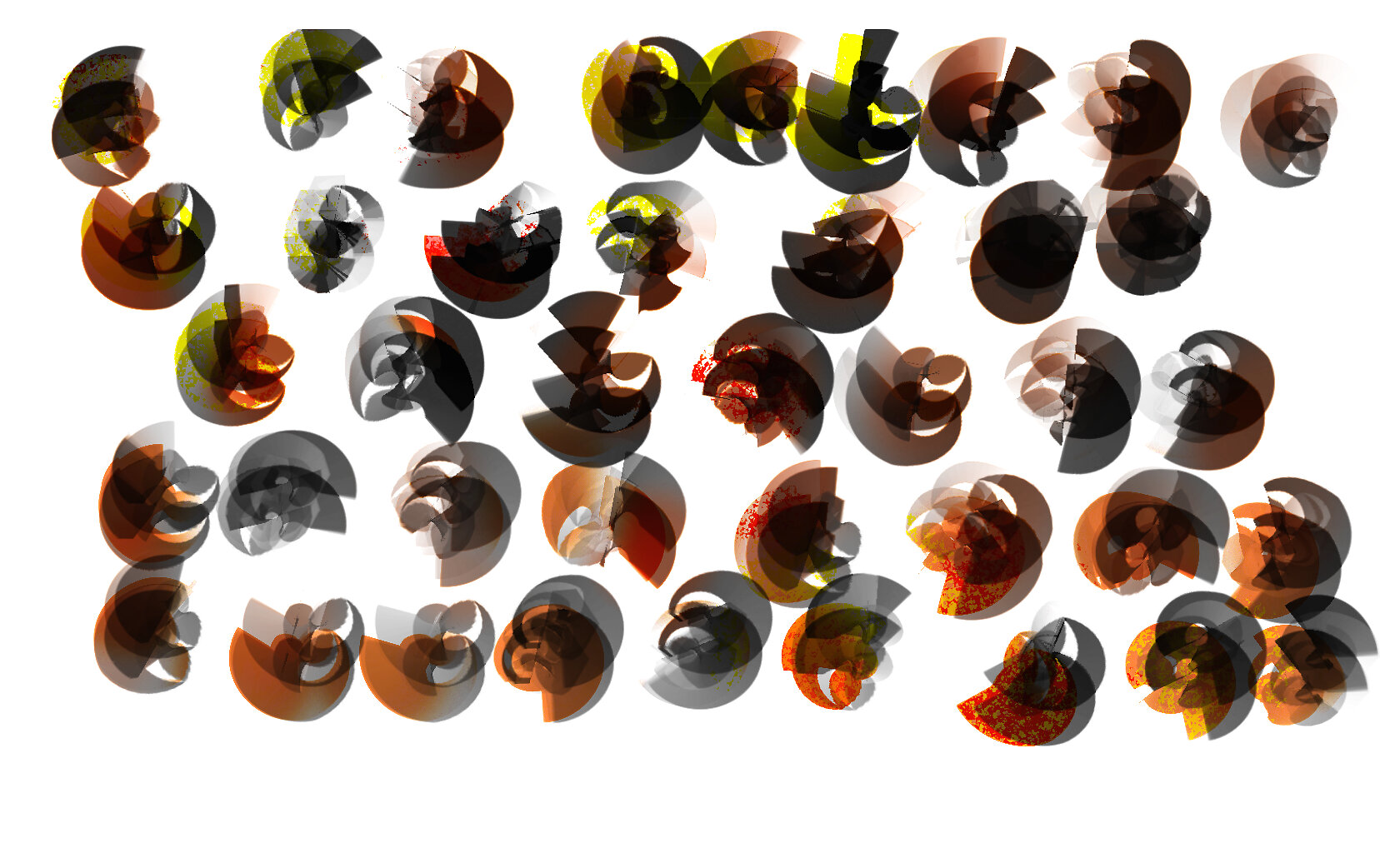
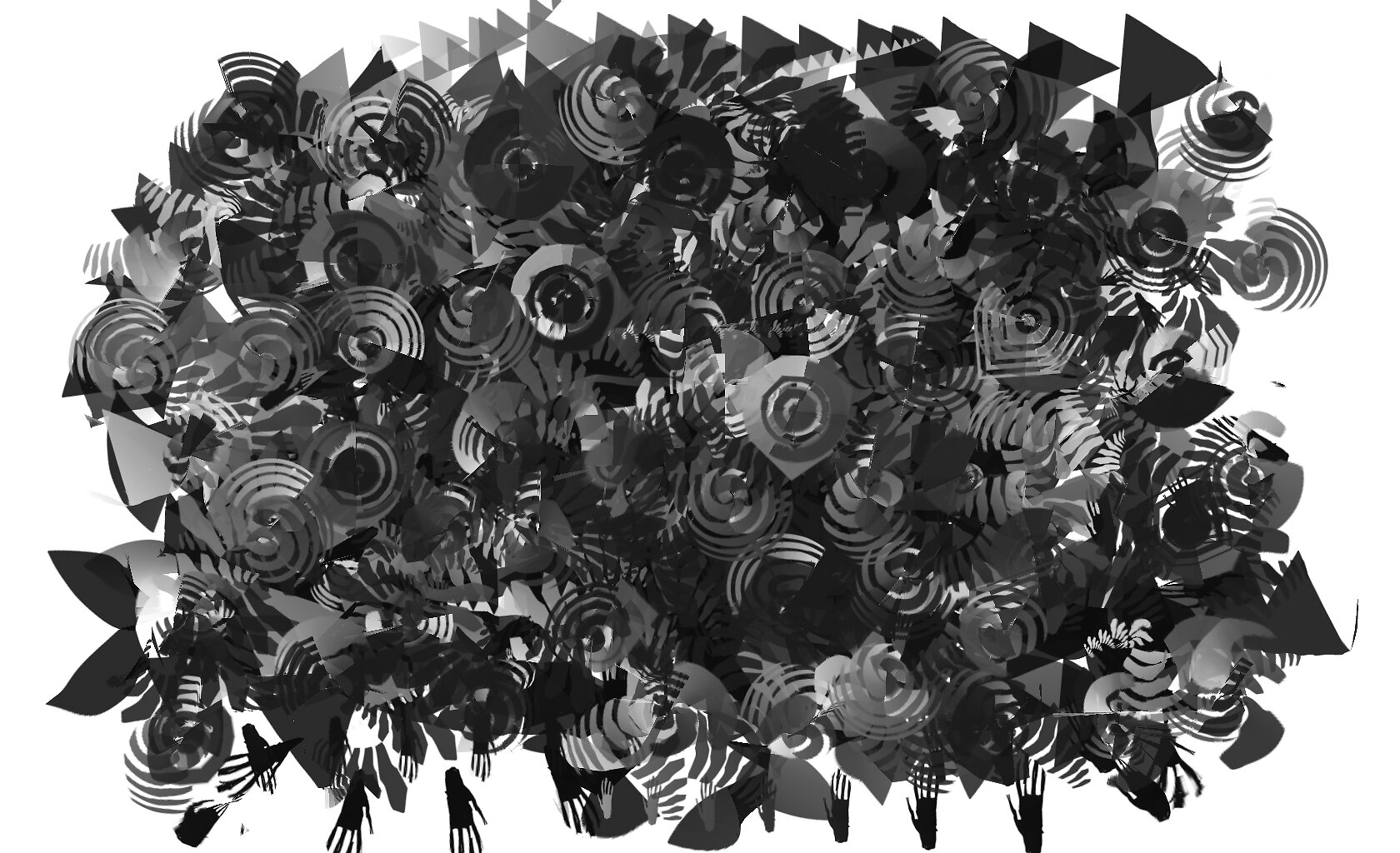
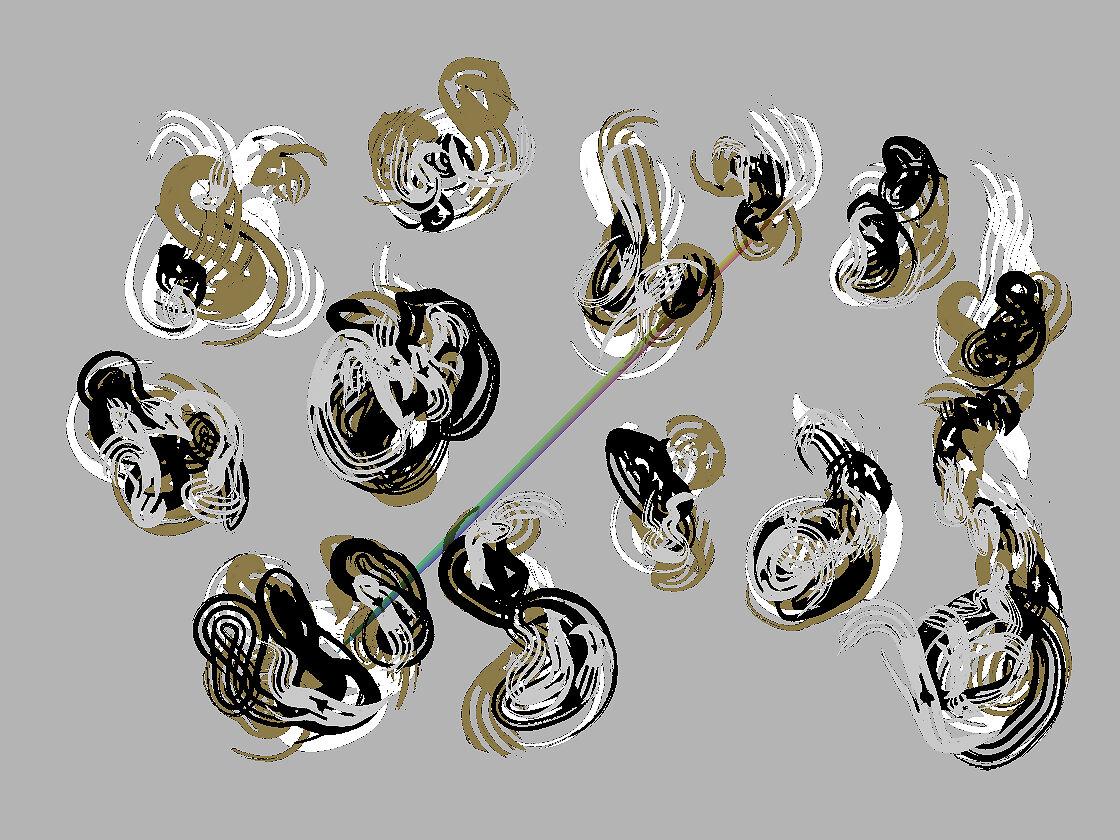
In verschiedenen Programmen erstellt. Bisher bleiben Painter und ZBrush meine Favoriten im Zeichensetzen.
Formen in Corel Painter zu erstellen fühlt sich für mich natürlicher als in Adobe Photoshop an.
Die Bilder sind mit ImageMagick optimiert. Ich übe noch 🙂

Quelle: Code & Canvas
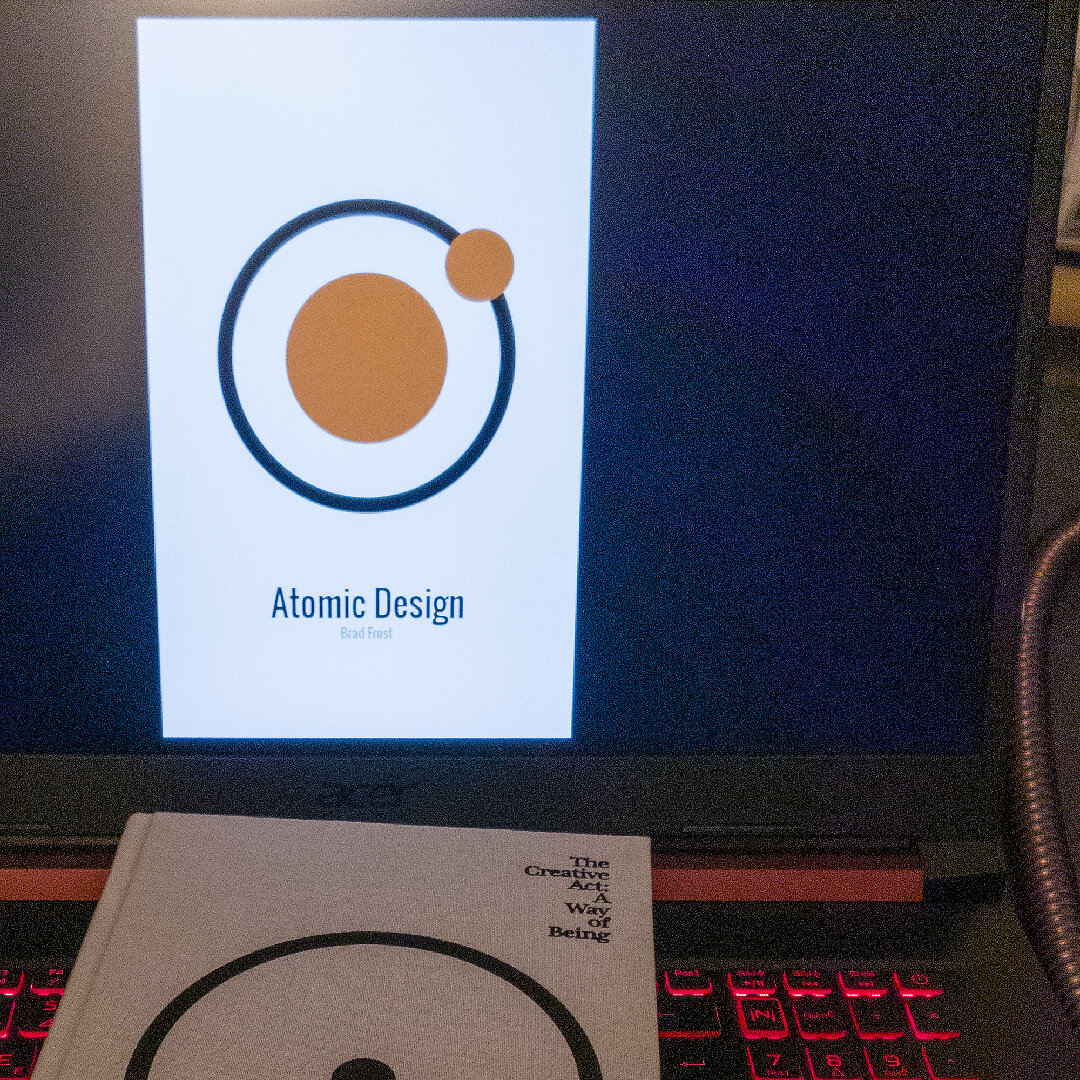
#grafikdesignbücher #grafikdesignbuch #kreativität #atomicdesign #thecreativeact #coverdesign
Quelle: Instagram
Ich schieße in letzter Zeit wieder mehr mit der „datenehrlichen“ Kamera Open Camera und gehe dann von RAW zu TIF, dann von TIF mit #ImageMagick zu JPG. Ich mag das Rauschen. #asca
Quelle: Bluesky
Nur durch das Lesen von Büchern wird sich der Mensch dessen bewusst, wieviel er sich merken kann: selbst sich nur die Seite zu merken, auf der man zuletzt las, wird unerwartete Früchte tragen. #asca
Quelle: Twitter
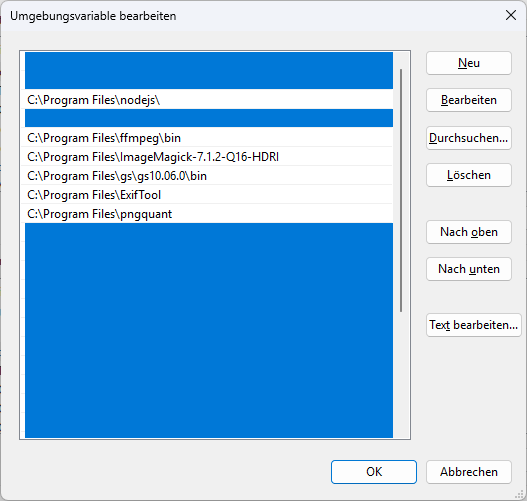
First, there is the asset type, raster graphics, vector, print, photo, font.
Then, there is the exported master file: a TIFF, a PNG, an SVG, or a PDF.
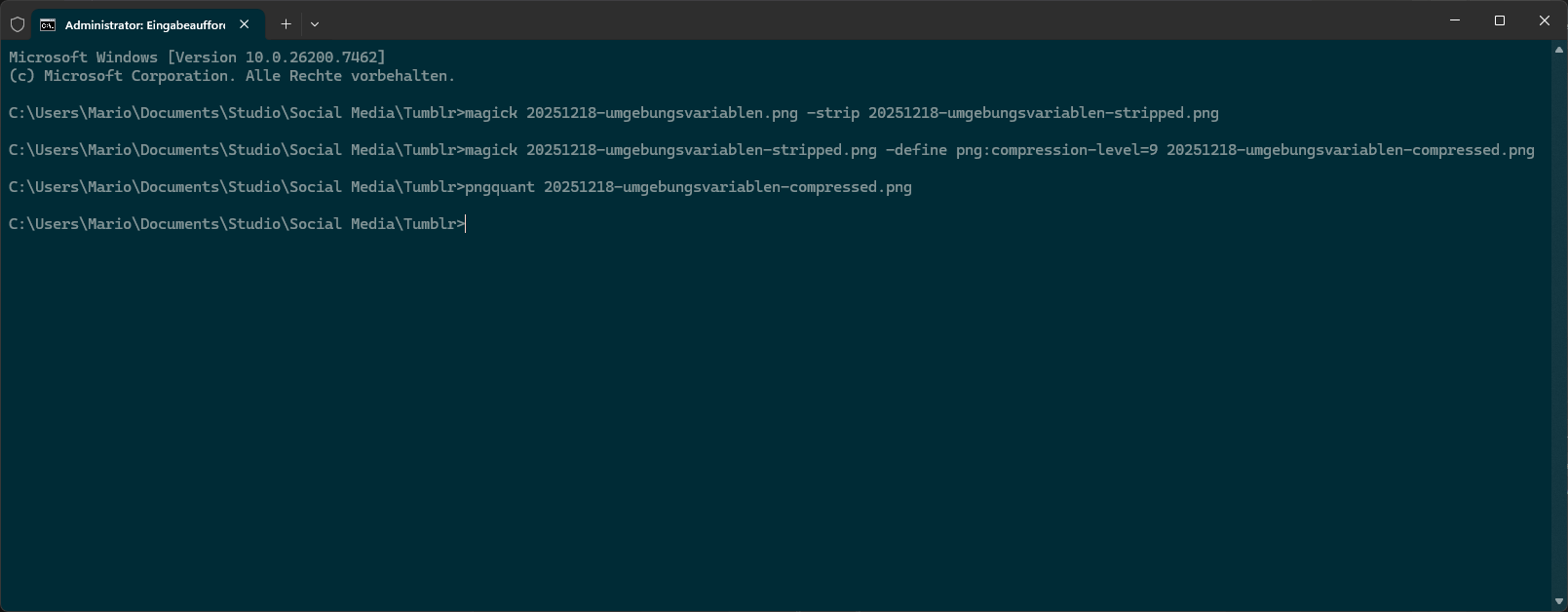
Then come the delivery variants, made with ImageMagick, pngquant, svgo, or Ghostscript.
These delivery variants are the ones you then upload. Neat, right?

Shout out to Koschatzky. He gave me this idea by teaching me that engravers made quite a few delivery versions of their work.
You get to enjoy tiny file sizes, I get to enjoy a new tool in my workshop. Control like this feels nice.
Quelle: Code & Canvas
Koschatzkys Erklärungen über die verschiedenen Gütegrade eines Drucks in „Die Kunst der Graphik” haben bei mir einen bleibenden Eindruck hinterlassen. #asca
Quelle: Twitter
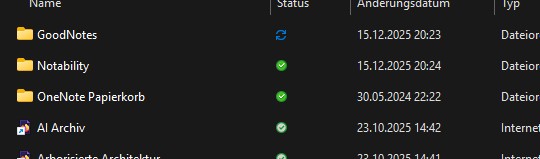
I’ve noticed an issue with software lately: I always have around three programs that are so similar in what they do, I find it difficult to work with any of them at all. Case in point: my note‑taking setup consists of OneNote, GoodNotes, and Notability.
Confused? So am I.
So, instead of asking myself which “suit” I should wear to work today, I’ve ditched all but OneNote—for one good reason: it does what I want it to do. Since I take notes for my own education and do not plan on sharing or presenting them, I don’t need my notes to look pretty. I just need them to be my own, so I can think on paper—even if that “paper” is actually a glowing screen.
As a graphic designer, I’m done with confusing myself. This is a kind of follow-up to my previous post. These days, I just want modularity in function, as if I’m plugging in some hardware when I need it, and unplugging it when I don’t.
As a test, I imported one of my study files (a PDF) into OneNote as a page, and I can easily add my own handwritten notes to it. That is all I need.
There are people out there who use a baker’s dozen of note-taking programs, and if you ask me, I consider myself lucky to have stopped before it got any worse.
Written in Sublime Text on a Europatastatur.
Quelle: Code & Canvas