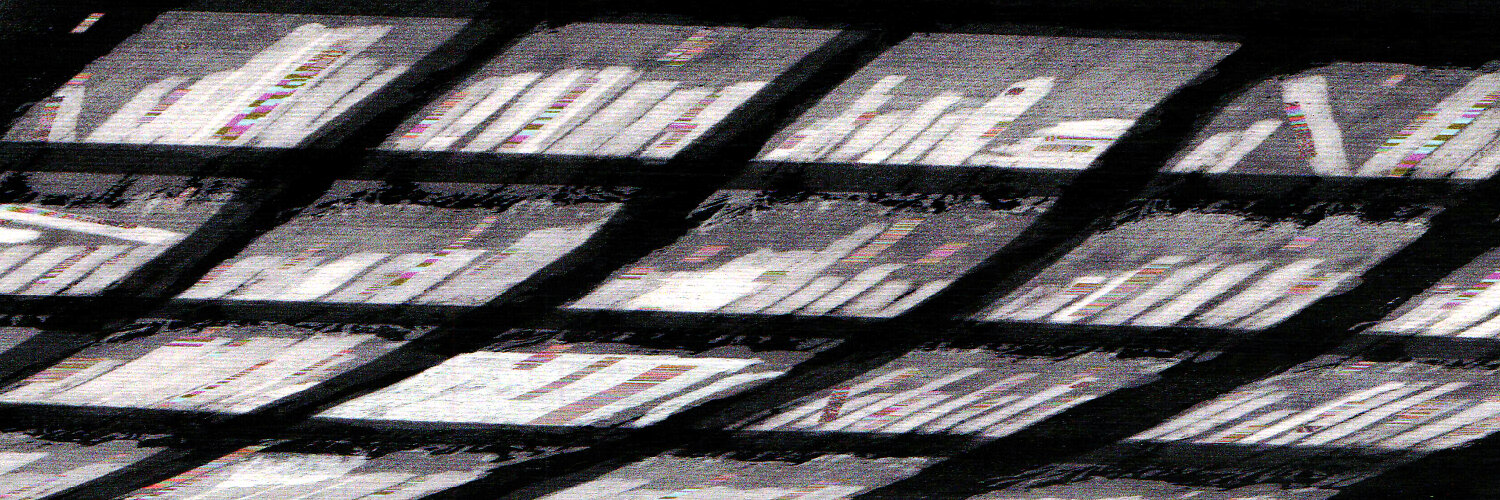
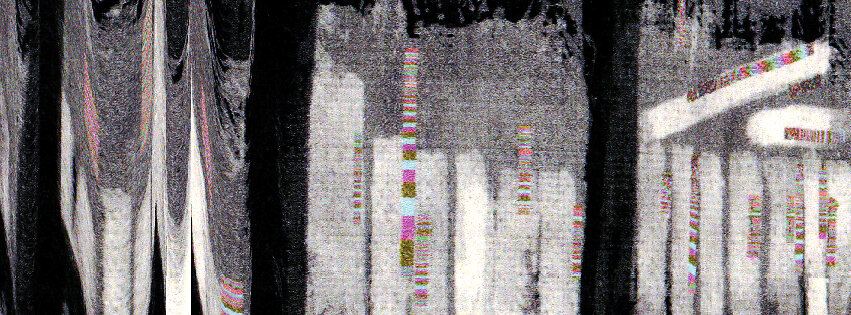
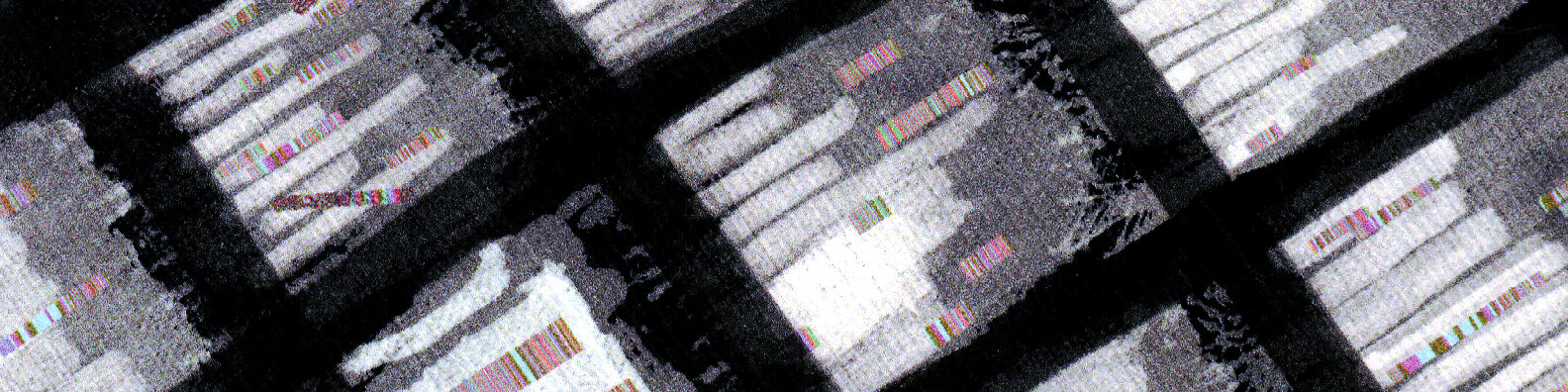
Ich schieße in letzter Zeit wieder mehr mit der „datenehrlichen“ Kamera Open Camera und gehe dann von RAW zu TIF, dann von TIF mit #ImageMagick zu JPG. Ich mag das Rauschen. #asca
Quelle: Bluesky
Meine Social‑Media‑Beiträge – offen und ohne Anmeldung
Ich schieße in letzter Zeit wieder mehr mit der „datenehrlichen“ Kamera Open Camera und gehe dann von RAW zu TIF, dann von TIF mit #ImageMagick zu JPG. Ich mag das Rauschen. #asca
Quelle: Bluesky
Nur durch das Lesen von Büchern wird sich der Mensch dessen bewusst, wieviel er sich merken kann: selbst sich nur die Seite zu merken, auf der man zuletzt las, wird unerwartete Früchte tragen. #asca
Quelle: Twitter
First, there is the asset type, raster graphics, vector, print, photo, font.
Then, there is the exported master file: a TIFF, a PNG, an SVG, or a PDF.
Then come the delivery variants, made with ImageMagick, pngquant, svgo, or Ghostscript.
These delivery variants are the ones you then upload. Neat, right?
Shout out to Koschatzky. He gave me this idea by teaching me that engravers made quite a few delivery versions of their work.
You get to enjoy tiny file sizes, I get to enjoy a new tool in my workshop. Control like this feels nice.
Quelle: Code & Canvas
Koschatzkys Erklärungen über die verschiedenen Gütegrade eines Drucks in „Die Kunst der Graphik” haben bei mir einen bleibenden Eindruck hinterlassen. #asca
Quelle: Twitter
Ich habe Modularität als Gerüst für Gestaltung wiederentdeckt. Gestaltung wird belebt, indem man Werkzeuge als Module begreift. #asca https://t.co/8JFYXpbePL
Quelle: Twitter

I am not only changing the way I practice and read about graphic design, but I am also rethinking the way I work with my software.
After working out my first actual social media schedule (of which this is the christening post) I realized that, despite knowing Photoshop is for raster graphics, Illustrator for vector graphics, and InDesign for composition and layout, I didn’t truly understand what that meant for my workflow.
Then along comes a neat little model by Brad Frost, called Atomic Design.
The files, layer comps, Smart Objects, AI symbols, are just assets. The finished graphic is the whole composition, not the individual pieces. InDesign, in my workflow, is where these pieces get assembled, moved around, viewed together, and iterated upon.
This, I think, is as close to a studio in silico as I dare to imagine.
Up until recently, I would put what I did in Photoshop into a folder called “Photoshop”, give the file a name prefixed by YYYYMMDD, and call it done. Same with all my other programs. Each file existed on its own, with no connection to anything–not a project, not a composition, not a larger purpose.
In a horrifying way, I was just spinning my wheels. I was using programs, but I wasn’t understanding what a finished product was.
So when I look at applying a modular system to my workflow, I no longer see what I export from Photoshop as the final product. Instead, I have assets that live inside a composition. These assets are editable, swappable, and allow iteration beyond simple versioning.
What I actually have in front of me, looks like this:
So, instead of using this logic:
/illustrator
/photoshop
/indesign
I can apply this much more enticing and inspiring structure:
/assets
/raster
/vector
/type
/compositions
/exports
This already looks like a scaffold for a project, not like a graveyard full of files.
Quelle: Code & Canvas
https://t.co/fDM7Pi3NFW
Muß mehr mit meiner sogenannten „Typotastatur“ arbeiten. Die Möglichkeiten sind unglaublich. https://t.co/GB7F8DXwTM
#asca
Quelle: Twitter
Bleibe auf dem Laufenden mit allem, was du wissen musst.